Release Notes Redesign
CloudBees CI: Turning a wall of documentation into a searchable, structured experience
Company
CloudBees (CI Documentation)
Role
Lead Product Designer
Industry
Information Architecture · DevTools · AI-assisted build
Duration
1 Week

Overview
CloudBees’ public release notes were technically complete but hard to use, a dense wall of information with no clear structure, filtering, or entry point.
In my final week, I took this on as a self-initiated project.
I didn’t just redesign it, I built and shipped a working version using AI-assisted development (Claude Code) and merged it into the team’s codebase.
Impact:
Turned static documentation into a structured, navigable experience
Reduced time-to-information for developers
Demonstrated end-to-end ownership: problem → design → code → shipped PR
The problem
The experience created friction for both developers and internal teams.
Users couldn’t:
Filter or search by product, version, or change type
Quickly scan updates or understand relevance
Navigate across products without losing context
The result was a high-value resource that felt slow, overwhelming, and difficult to trust.
My role
I drove this independently, end-to-end:
Identified the problem and defined the opportunity
Redesigned the information architecture and navigation
Built the solution in code using AI tools
Shipped it via PR to the internal repository (reviewed and merged)
No assignment, no roadmap, just initiative and execution.

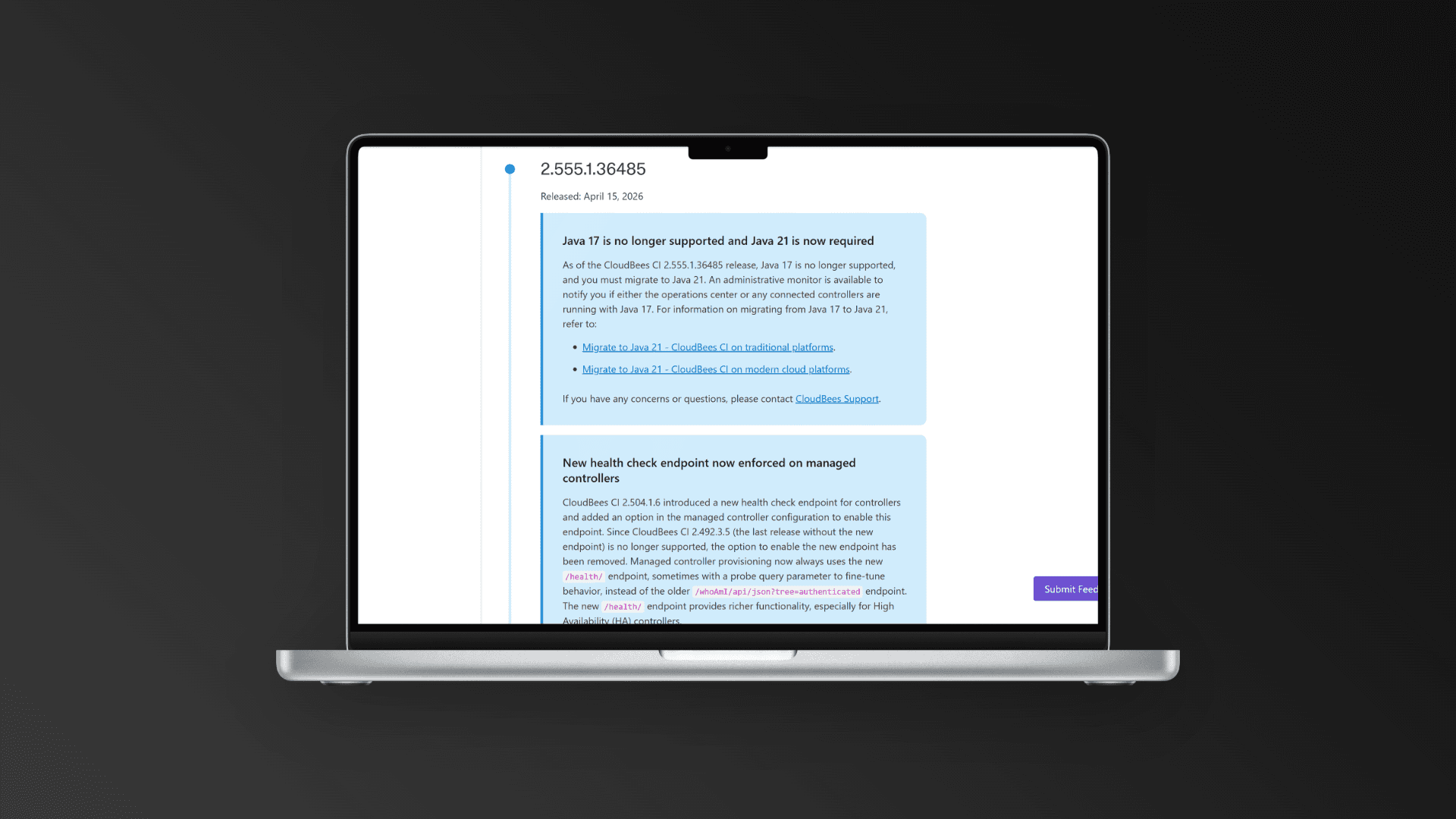
The solution
I restructured the experience to prioritize clarity, navigation, and speed of access.
1. Clear entry point
Introduced a landing page highlighting recent updates and product areas
→ Helps users immediately understand where to go
2. Structured information architecture
Organized release notes by product and component
→ Reduces noise and makes content relevant by default
3. Search & filtering
Enabled filtering by product, version, and release type
→ Speeds up lookup for specific issues or updates
4. Scannable layout
Redesigned hierarchy using typography and spacing
→ Makes content easy to skim instead of forcing linear reading
How I approached it
This project was less about “design process” and more about execution speed and iteration.
Audited the existing experience and identified key friction points
Benchmarked developer tools and changelog patterns
Built directly in code using Claude Code, iterating through 100+ prompt cycles
Refined structure and interactions incrementally, maintaining design control
AI wasn’t used as a shortcut, it was a tool to extend my ability to ship independently.

Outcomes
A real, shipped artifact
Built, reviewed, and merged through a real engineering workflow
Exists beyond a design file, usable and testable
Expanded scope as a designer
Moved from concept → implementation without relying on engineering bandwidth
Demonstrated ability to work directly with AI-assisted development tools
High-agency contribution
Identified and solved a problem outside my assigned scope
Delivered value without needing alignment cycles or roadmap inclusion
What I’d do next
Validate the IA and filtering model with real users (developers + internal teams), then integrate the system with the existing CMS to support ongoing updates at scale.
Key takeaway
Good design isn’t just about proposing solutions, it’s about making them real.
This project reflects a shift in how I work: combining product thinking, design, and AI-assisted development to move faster and deliver independently.
Other projects

Lang.ai CX Platform
AI Workflows for Support Teams: Reducing ticket resolution time by 20% through intelligent automation

Jenkins++ Integration Experience
CloudBees Unify: Redesigning multi-controller setup for platform engineers at scale

Unify AI Dashboards
Product Direction & Design: Defining an AI-powered analytics layer for engineering teams (concept validated, deprioritised)

CI Pipeline Dashboards
Troubleshooting at a Glance: Reimagining failure investigation as a proactive, AI-assisted workflow (concept validated)

Lang.ai Design System
Built from Scratch: From zero to a documented component library boosting team delivery by 25%

Jenkins Design System Reference
For AI-assisted Prototyping: Building shared infrastructure that makes AI tooling reliable for the whole team